
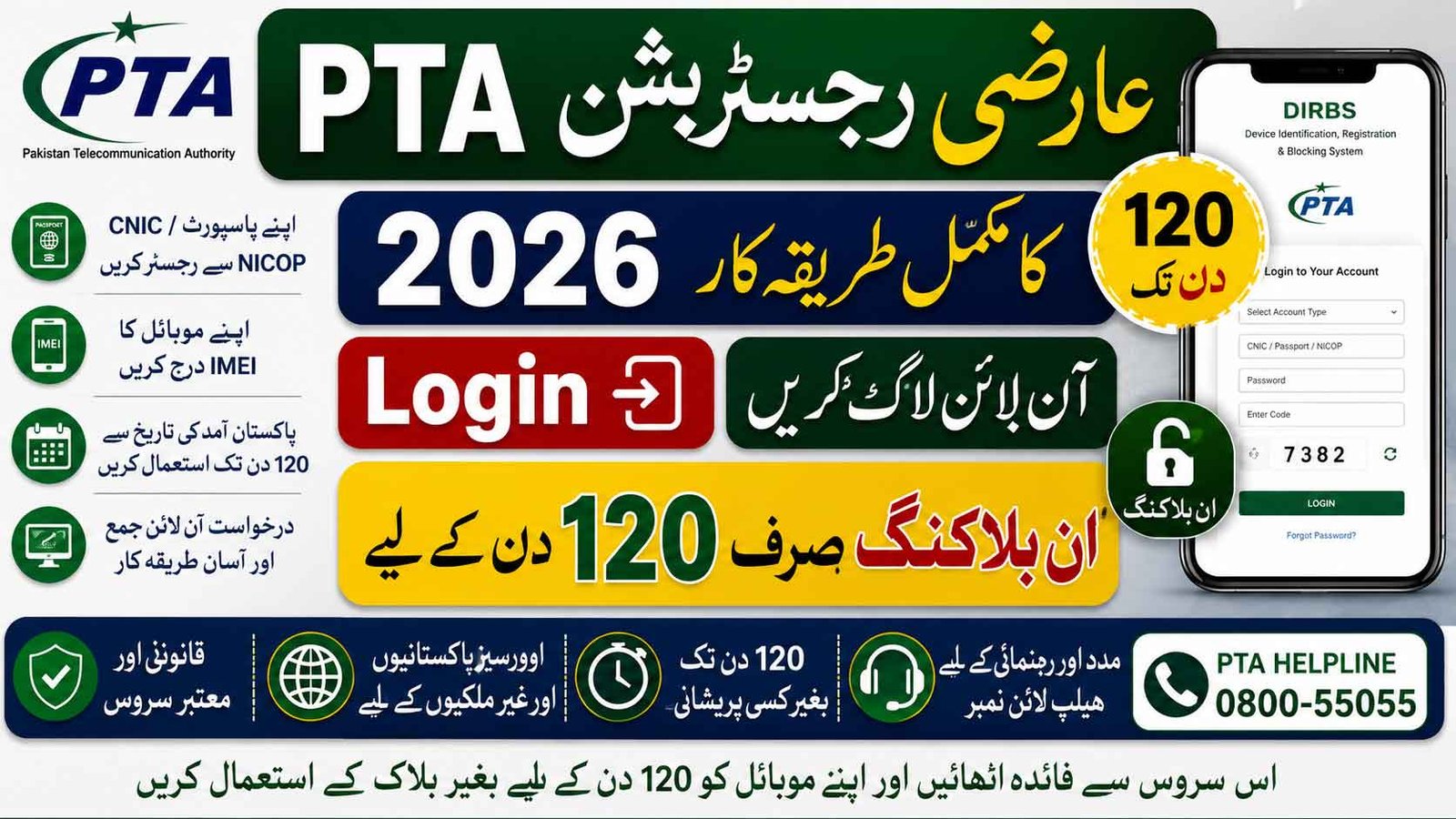
Many overseas Pakistanis and foreign visitors bring mobile phones to Pakistan and need temporary access to local mobile networks. The PTA Temporary Registration facility allows eligible visitors to use one mobile device without permanent registration for up to 120 days.
This guide explains PTA Temporary Registration login, PTA temporary registration online process, registration check, status paired, helpline number, and temporary device unblocking for 120 days.
PTA Temporary Registration 2026 Login Unblocking For 120 Days
The PTA Temporary Registration system helps overseas Pakistanis and foreign travelers use their phones legally during short visits to Pakistan. By understanding PTA Temporary Registration login, online registration, check process, status paired, helpline support, and temporary device unblocking for 120 days, applicants can avoid delays and enjoy uninterrupted mobile connectivity.
What is PTA Temporary Registration?
PTA Temporary Registration is a facility under DIRBS that allows overseas Pakistanis and foreign nationals to temporarily register one mobile phone for local SIM usage in Pakistan.
This facility is available for:
- Overseas Pakistanis visiting Pakistan
- Foreign nationals
- Dual nationality holders
- Travelers arriving from abroad
The registration remains active for 120 days from the date of arrival in Pakistan.
PTA Temporary Registration Login
To start the process, users need PTA Temporary Registration login access through the DIRBS portal.
During login, applicants should use their own:
- Passport
- CNIC
- NICOP
- Foreign passport (where applicable)
Applicants are advised to apply only through their personal credentials to avoid registration issues.
PTA Temporary Registration Online Process
The PTA temporary registration online process is simple if you follow the correct steps.
Step 1 – Visit DIRBS Portal
Open the PTA DIRBS system and create or login to your account.
Step 2 – Enter Personal Details
Provide:
| Required Information | Details |
|---|---|
| Passport Number | Travel document used |
| CNIC/NICOP | If applicable |
| Arrival Details | Date of arrival |
| Contact Information | Mobile and email |
Step 3 – Enter IMEI Number
Applicants must ensure that the IMEI numbers programmed in their mobile device are entered correctly.
To find IMEI:
- Dial *#06#
- Copy the displayed IMEI number
- Enter it in DIRBS carefully
Incorrect IMEI entry may lead to rejection.
Temporary PTA Registration For Overseas
The temporary PTA registration for overseas facility is specifically designed for visitors.
Key features include:
- One mobile phone allowed
- Up to 120 days use
- No permanent registration required
- Available for overseas Pakistanis and foreigners
This makes travel easier and prevents device blocking during temporary stays.
PTA Temporary Registration For Overseas Pakistani Online
The PTA temporary registration for overseas Pakistani online service removes the need for physical office visits.
Benefits include:
- Online application
- Fast processing
- Digital verification
- Convenient status tracking
Applicants can complete most steps from home before or after arrival.
PTA Temporary Registration Time
Many users ask about PTA Temporary registration time.
Important timing information:
| Process | Time |
|---|---|
| Temporary Approval | Usually after verification |
| Validity Period | Up to 120 days |
| Start of Validity | Date of arrival in Pakistan |
| PSID Payment Deadline | Within 7 days |
The 120-day temporary registration starts from the traveler’s arrival date in Pakistan.
Courier Mobile Devices And PSID Process
If a mobile phone is received through courier from abroad, applicants may apply under the Courier Category.
The process includes:
- Sign up in DIRBS
- Apply under Courier Category
- Generate Payment Slip Identification (PSID)
- Pay duties and taxes
- Present FBR paid slip and IMEI details to customs office
Important PSID Rule
Custom duties and taxes generated by FBR can be paid via:
- Online banking
- ATM
- Bank branches
Payment must be completed within 7 days.
If unpaid within seven days:
- PSID is deleted from the FBR database
- A new process may be required
PTA Temporary Registration Check
Users can perform a PTA temporary registration check after applying.
You can verify:
- Registration approval
- Pending verification
- Tax status
- Device eligibility
Always keep your:
- IMEI number
- Passport/CNIC details
- Application information
for easy tracking.
PTA Temporary Registration Status Paired
The term PTA Temporary registration status paired generally refers to successful linkage between:
- Device IMEI
- Applicant record
- Mobile network authorization
When status shows paired or linked, the device is generally associated with the approved registration record.
PTA Temporary Registration Helpline Number
If you face login or verification problems, you may contact PTA Temporary Registration helpline number support through official PTA channels.
Common support issues include:
- Login problems
- IMEI mismatch
- Temporary registration delay
- PSID confusion
- Device blocking concerns
Using official PTA support is always recommended.
Important Instructions For Applicants
PTA advises users to carefully read these instructions before applying:
Use Your Own Credentials
Apply only with:
- Passport
- CNIC
- NICOP
- Relevant travel documents
Dual Nationality Applicants
Applicants with:
- Dual nationality
- Foreign passports
may apply using the passport used for travel, along with CNIC/NICOP if applicable.
Enter Correct IMEI
Double-check IMEI details before submission to avoid rejection.
Temporary Device Unblocking For 120 Days
The Temporary Device unblocking for 120 Days facility provides relief for eligible visitors who need uninterrupted mobile service during their stay in Pakistan.
Main highlights:
✔ One phone allowed
✔ Up to 120 days access
✔ Online application available
✔ Suitable for overseas Pakistanis and foreign nationals
✔ Easy status checking through DIRBS